
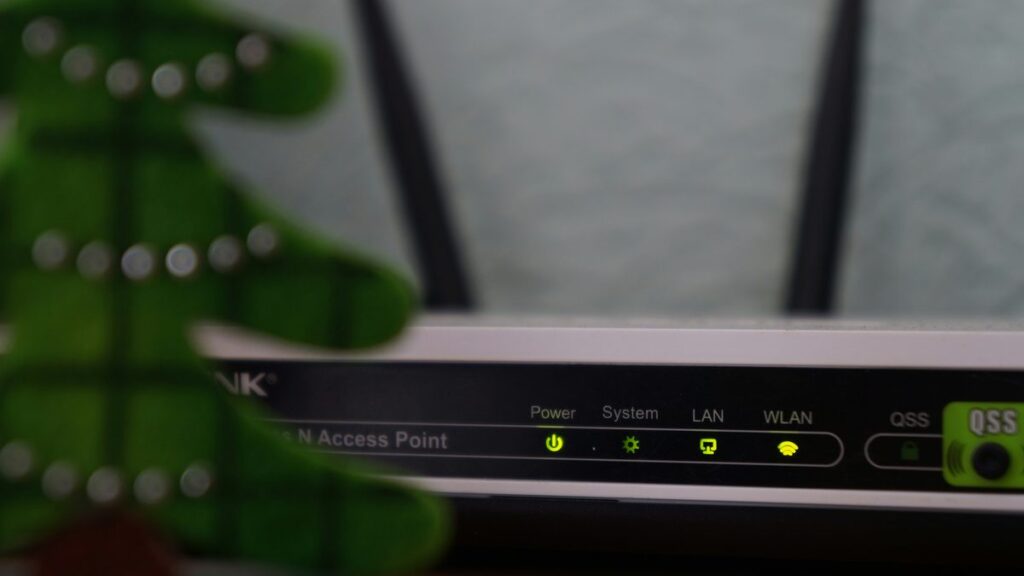
You pay for fast broadband. The speed test in the hallway agrees with you. And yet the film buffers in the back bedroom, the video call drops every time somebody puts the kettle on, and the smart doorbell has developed opinions about when it feels like working. The connection coming into your house is almost never the problem. The problem is everything after it.
Home networking is one of those subjects where a small amount of knowledge saves an enormous amount of money, because the default response to a bad connection is to buy a faster package, and a faster package fixes nothing if the bottleneck is a router sitting in a cupboard under the stairs behind a wall of pipework.
Start by separating three different problems
People say “my internet is slow” to describe at least three unrelated failures, and the fixes have nothing in common.
Bandwidth
How much data can move at once. This is the number your provider sells you. It matters for large downloads and for multiple people streaming high-resolution video simultaneously. For almost everything else, past a certain point, more bandwidth changes nothing you can perceive. Doubling your package will not make a web page load faster if the page was never bandwidth-limited.
Latency
How long a single message takes to make the round trip. This is what makes video calls feel laggy and games feel unresponsive. It is largely unaffected by your headline speed and heavily affected by how your traffic is being handled when the line is busy. A household where one person is uploading a huge file can make everyone else’s calls stutter even with bandwidth to spare, because the upload queue fills and everything else waits behind it.
Coverage
Whether the wireless signal actually reaches the room you are in with enough strength to run at a sensible rate. This is the one that gets misdiagnosed most often, and it is a problem of physics and furniture, not of subscriptions.
The router your provider gave you
It is not necessarily bad. Provider routers have improved a great deal, and for a small flat with a couple of devices they are perfectly adequate. What they are not is well placed, because they have to live wherever the line enters the building, and that is usually a hallway, a cupboard, or the least central point in the house.
Wireless signal is blocked by mass and by water. Brick is worse than plasterboard. A chimney breast is a wall you cannot see through. Foil-backed insulation is close to a mirror. Mirrors themselves are surprisingly effective at ruining a signal. And a large fish tank between the router and the sofa is a genuinely serious obstacle, which sounds like a joke until you move the router and watch the problem vanish.
Before you spend anything, try the free fixes. Get the router off the floor and out of the cupboard. Put it in the open rather than behind a television. Keep it away from the microwave, which shares a frequency band with older wireless standards and will stamp all over it for the two minutes it is running.
The two bands, and why your phone keeps choosing wrong
Modern routers broadcast on more than one frequency band. The lower band travels further and penetrates walls better but is more congested and slower. The higher band is faster and cleaner but stops dead at the second wall. Many routers present both under one network name and decide for you, and their decisions can be poor: a device that wandered into the next room on the fast band will often cling to it grimly rather than switching down.
If you have a device that is fine in one room and useless in another, this is frequently why. Some routers let you split the bands into separate network names, which gives you manual control at the cost of a slightly untidy list of networks. It is worth doing if you have a stubborn device, such as a printer or a smart plug, that only supports the lower band and gets confused by a combined network.
Extenders, mesh, and the thing nobody wants to hear
A basic wireless extender works by receiving your signal and rebroadcasting it. That means it is talking to the router and to your laptop over the same radio, so it roughly halves the throughput of everything passing through it. Worse, if you place it where the signal is already weak, it faithfully rebroadcasts a weak signal. An extender in a bad position makes things worse, not better, because devices will latch onto the loud, useless nearby signal instead of the quiet, functional distant one.
Mesh systems solve part of this properly, by using a dedicated link between the nodes and by handing devices between nodes intelligently. They are a real improvement and worth the money in a house with awkward geometry.
But the thing nobody wants to hear is that a cable beats all of it. A single run of Ethernet to the room where you actually work, or to the television that actually streams, removes that device from the wireless contest entirely and makes life better for everything still using the air. Flat cable runs under carpet edges or along skirting are unglamorous and unbeatable. If you can get power to a room, you can usually get a cable there too. Powerline adapters, which send data over the mains wiring, are a reasonable compromise when you truly cannot, though results depend heavily on how your house is wired and they hate extension leads.
A sane order of operations
- Test in the room with the problem, not next to the router. Compare the two. If the hallway is fine and the bedroom is not, this is a coverage problem and no upgrade to your package will help.
- Move the router as central and as high as the incoming line allows. Free.
- Restart it properly and check for firmware updates. Unfashionable advice that works more often than it should.
- Cable the one device that matters most. Usually the television or the desk.
- Then, if the house is still fighting you, buy mesh — and place the nodes where the signal is still strong, not where it has already died.
Only after all of that does a faster package become a sensible purchase. Most households discover they never needed one, which is an unusual outcome in consumer technology and worth enjoying.